Description
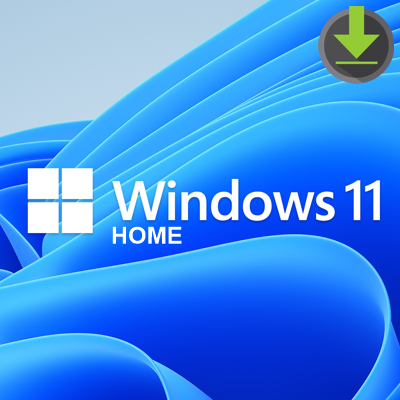
Ready to upgrade to Windows 11?
Windows 11 delivers continuous innovations that make the everyday easier and help keep your PC running securely and efficiently. Check if your PC is eligible1 to upgrade to Windows 11 in three easy steps.
Windows 11 cuts through complexity and brings you simplicity.
Software Requirements
Minimum system requirements
Read here for more information on system requirements and information on how some PCs might be able to update or change settings to meet the requirements.
List of all minimum system requirements for Windows 11:
Processor: 1 gigahertz (GHz) or faster with 2 or more cores on a compatible 64-bit processor or System on a Chip (SoC).
Memory: 4 GB RAM.
Storage: 64 GB or larger storage device.
System firmware: UEFI, Secure Boot capable. Check here for information on how your PC might be able to meet this requirement.
TPM: Trusted Platform Module (TPM) version 2.0. Check here for instructions on how your PC might be enabled to meet this requirement.
Graphics card: Compatible with DirectX 12 or later with WDDM 2.0 driver.
Display Resolution: High definition (720p) display that is greater than 9” diagonally, 8 bits per colour channel.
Internet connection: Microsoft account and internet connectivity required for set-up for Windows 11 Home and for Windows 11 Pro for personal use.
Your device must be running Windows 10, version 2004 or later, to upgrade. Free updates are available through Windows Update in Settings>Update and Security.
Certain features require specific hardware. System requirements to run some apps will exceed the Windows 11 minimum device specifications. Check device compatibility information specific to the apps you want to install. Available storage on your device will vary based on installed apps and updates. Performance will scale with higher end, more capable PCs. Additional requirements may apply over time and for updates.